Create EPUBs
without code
Start a new book or open an existing manuscript, then organize chapters, styling, and export in one place.
Free alpha downloads are available on Mac and Windows.
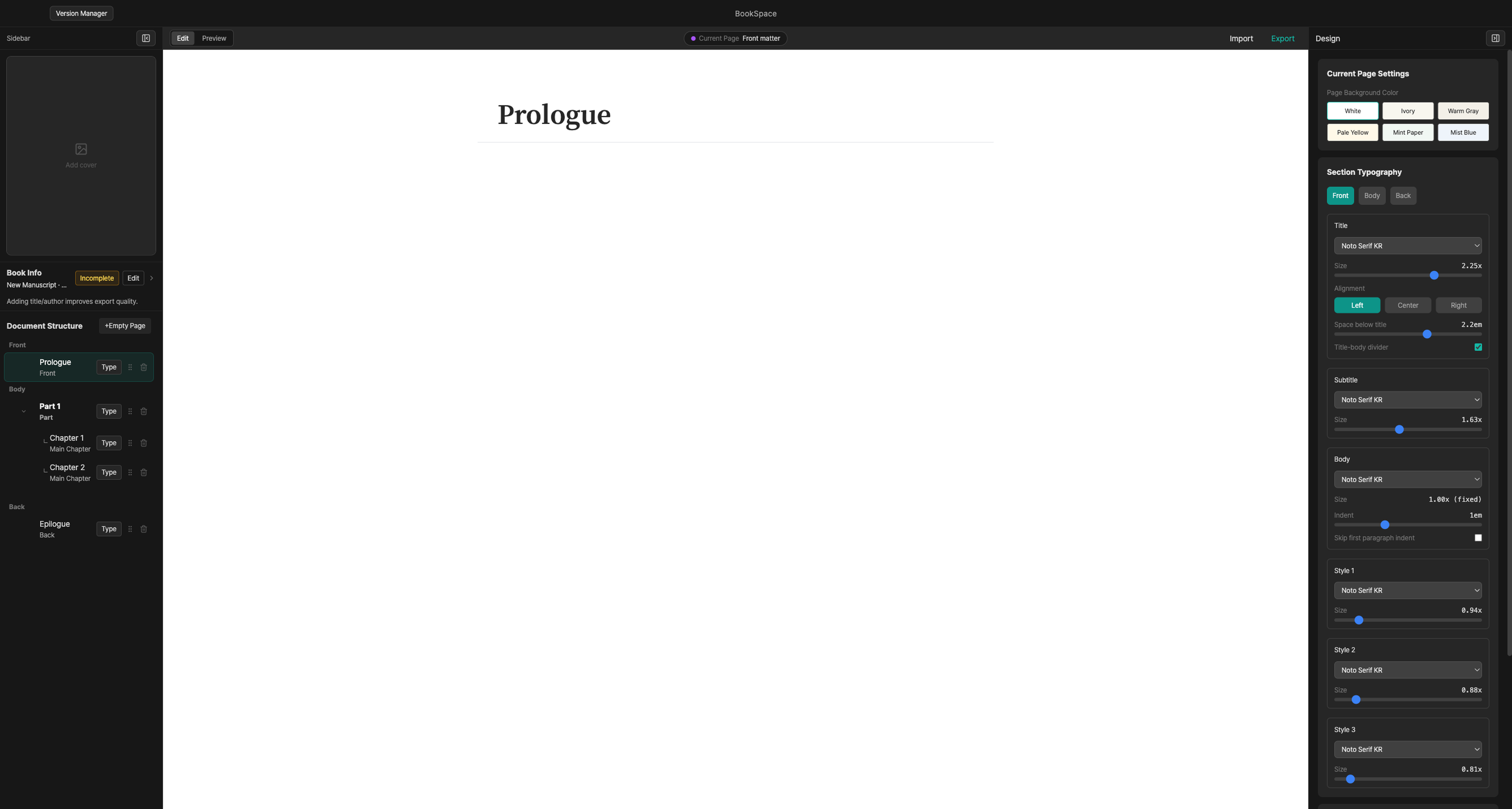
Write, organize, export
Start from a blank book or open an existing manuscript, organize the outline and book details, then save it as EPUB.
Common EPUB editing tasks
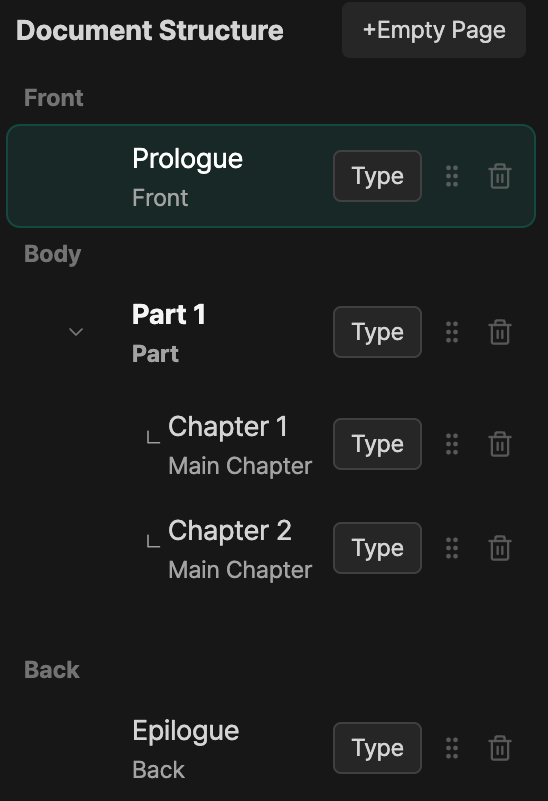
Organize chapters in the outline
Use the left outline to check parts and chapters. Drag items when you need to change the order.
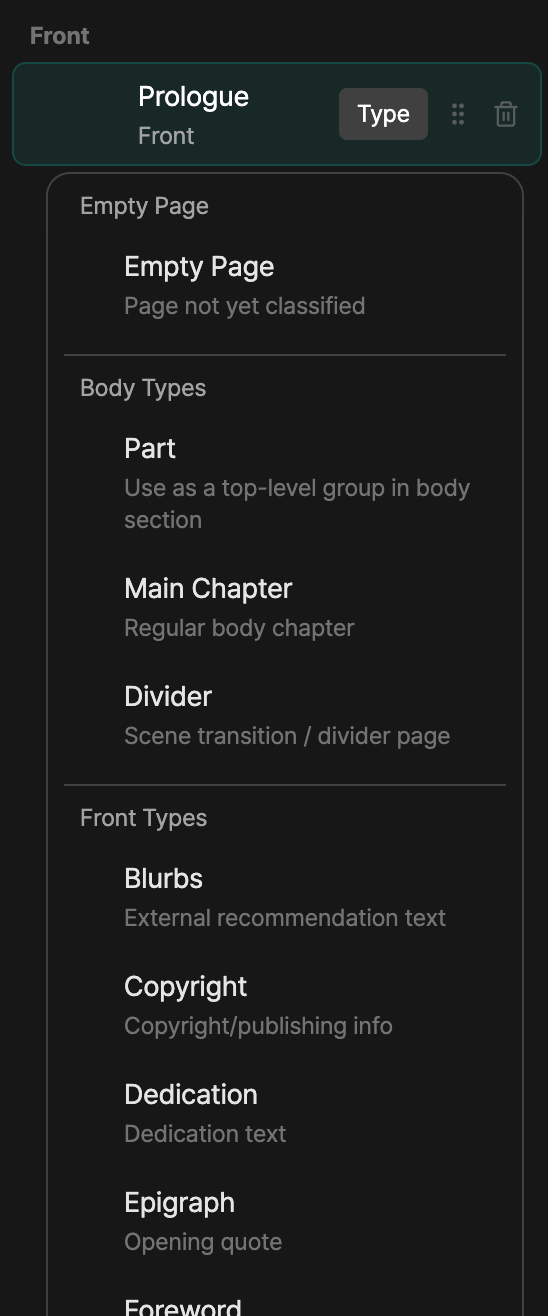
Set the page type
Create a page, then mark it as body text, prologue, copyright, or another type. BookSpace uses that type to place it in the book structure.
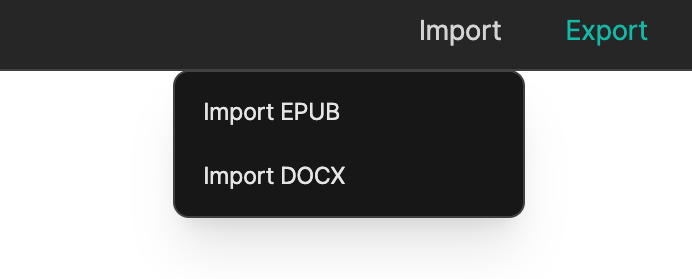
Import DOCX and EPUB files
Open a Word manuscript or an existing EPUB file. After import, review the outline and text, then adjust anything that needs cleanup.
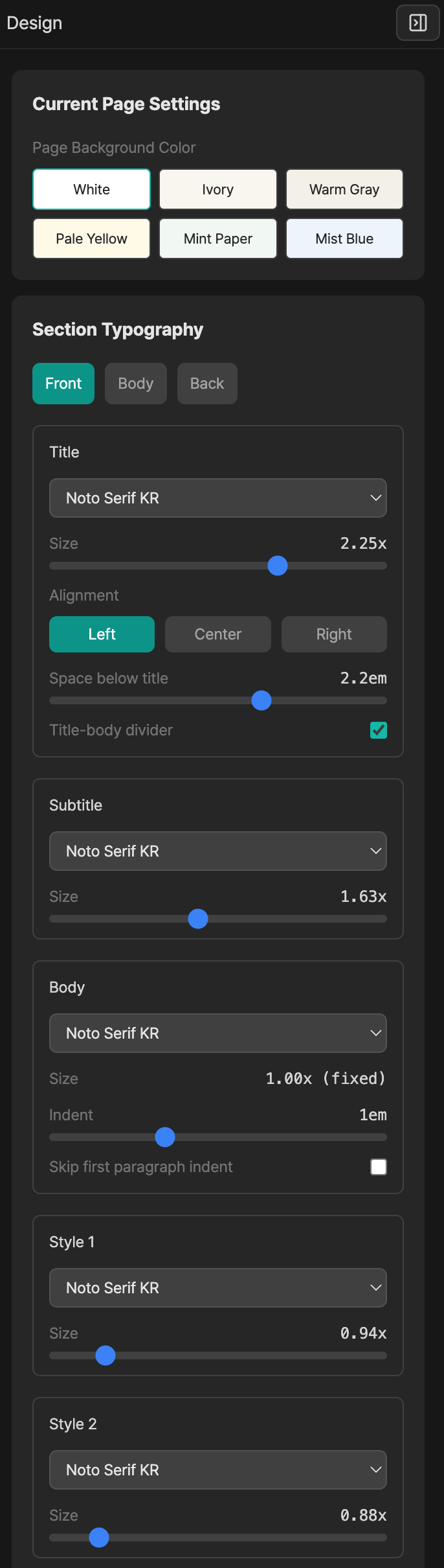
Adjust design in the side panel
Change the theme, fonts, body text size, and margins from the right panel. You can set the book's base style without opening code.
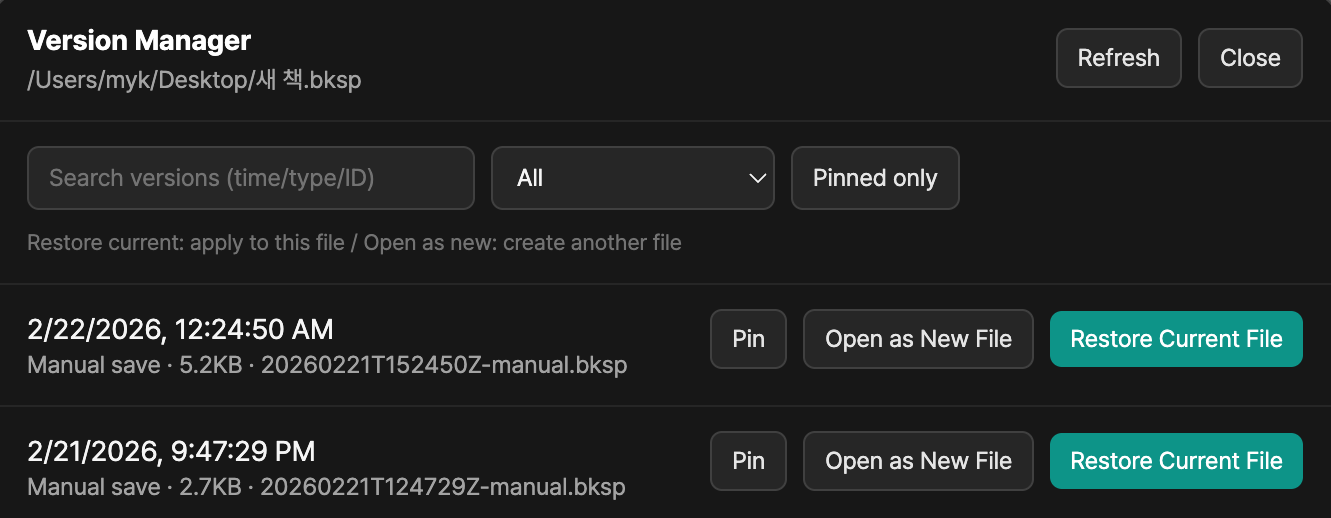
Restore a previous save
Review saved versions and go back to an earlier state. You can overwrite the current file or restore the version as a separate file.
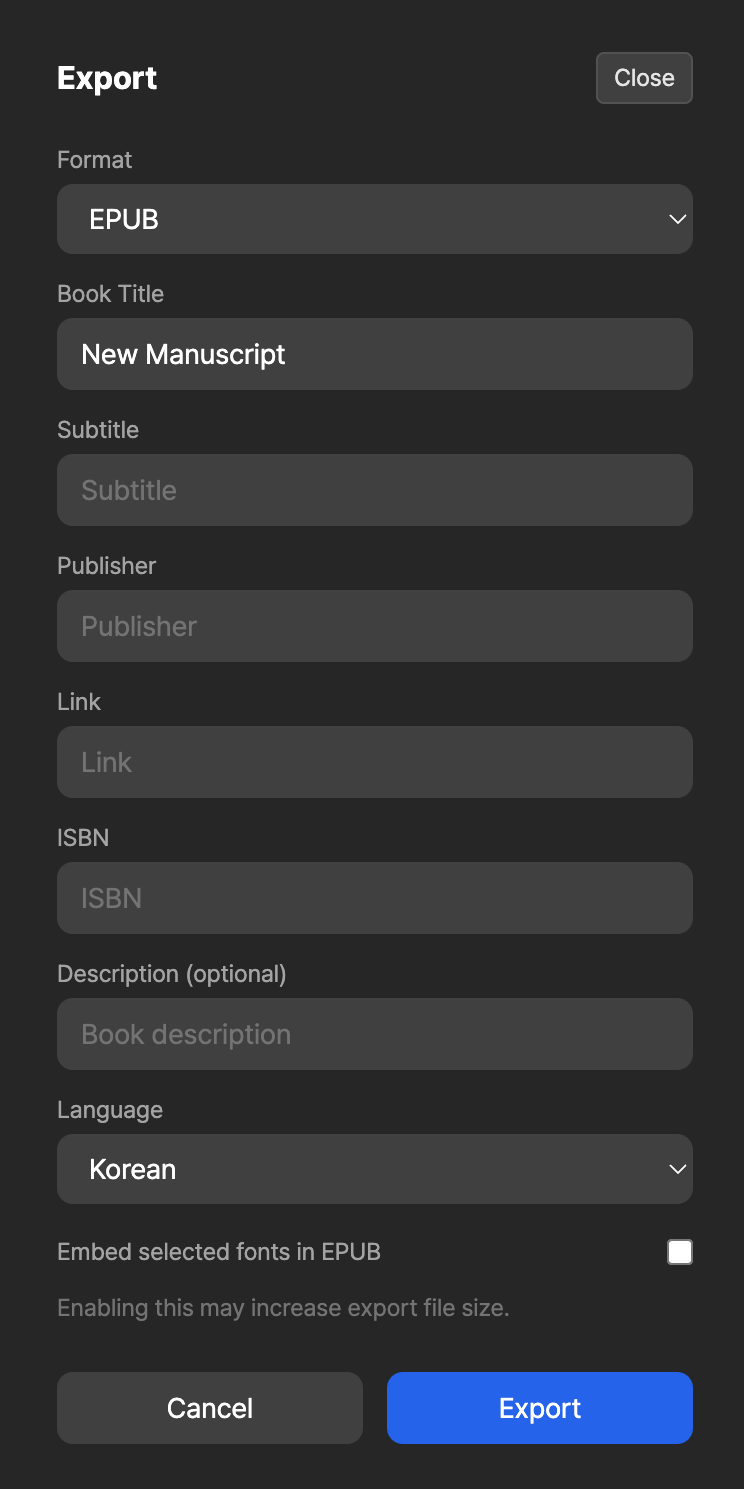
Export as EPUB 3
Check the title, author, language, and description before export. You can also choose whether to include fonts in the EPUB file.
AI Copilot for Writer's Block
Stuck on a sentence? BookSpace AI helps with draft writing, page creation, and iterative editing. From proofreading to rewriting, it works like an always-on editing assistant.
Downloads are available on Mac and Windows.